01
02
03
04
05
HOW TO UPLOAD DOCUMENTS TO ALEXI
This section demonstrates how to attach documents for analysis by Alexi.
Uploading documents provides Alexi with the relevant context in your matter, improves accuracy, and enables answers to be more closely linked to your materials. It's like giving Alexi access to the same binder of case documents, agreements, or discovery records that you'd give someone on your team before asking them a question.
Here’s a short video guide on the topic.
To upload a document:
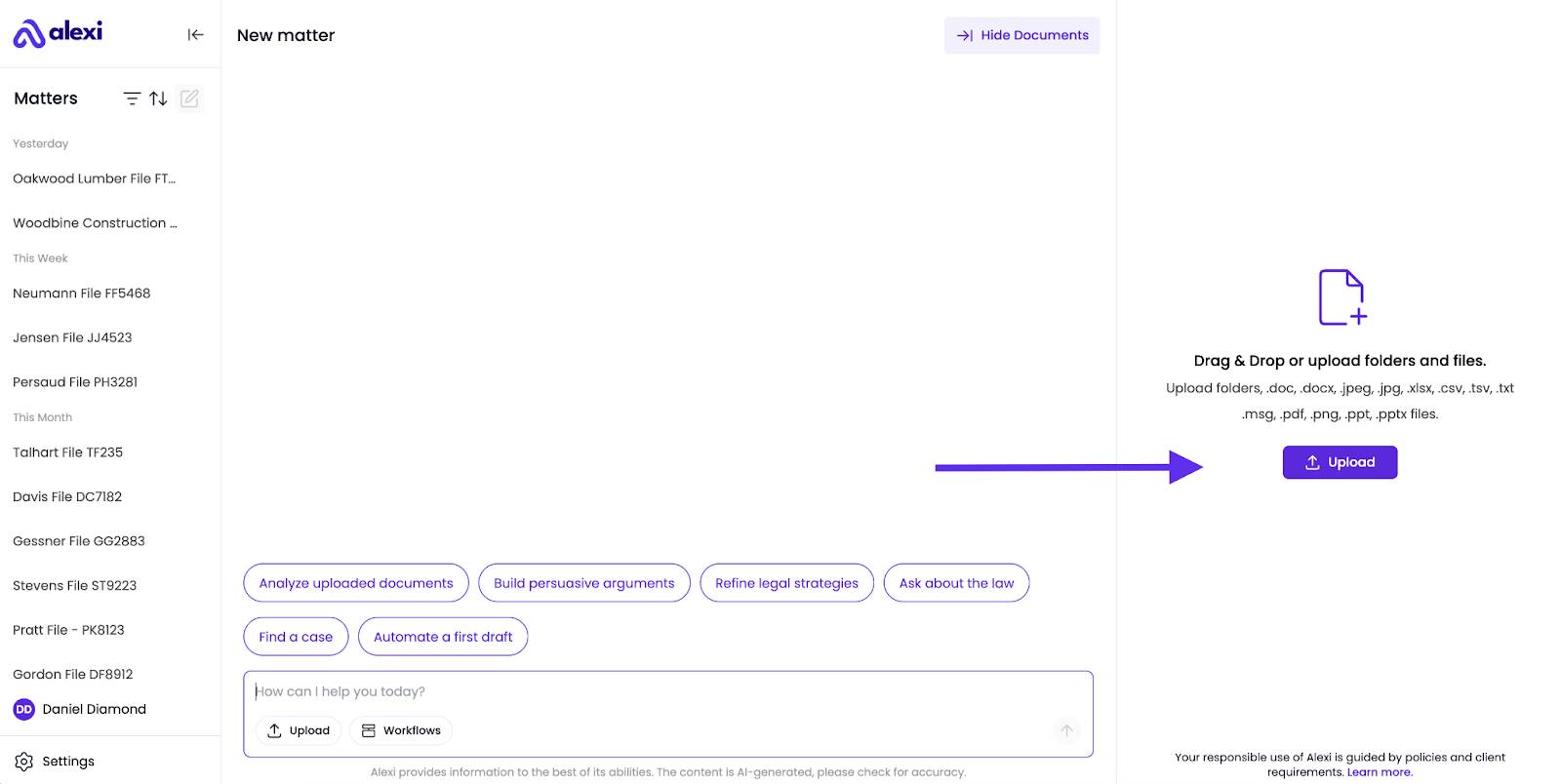
- On the navigation panel on the right-hand side click the large purple Upload Document button.
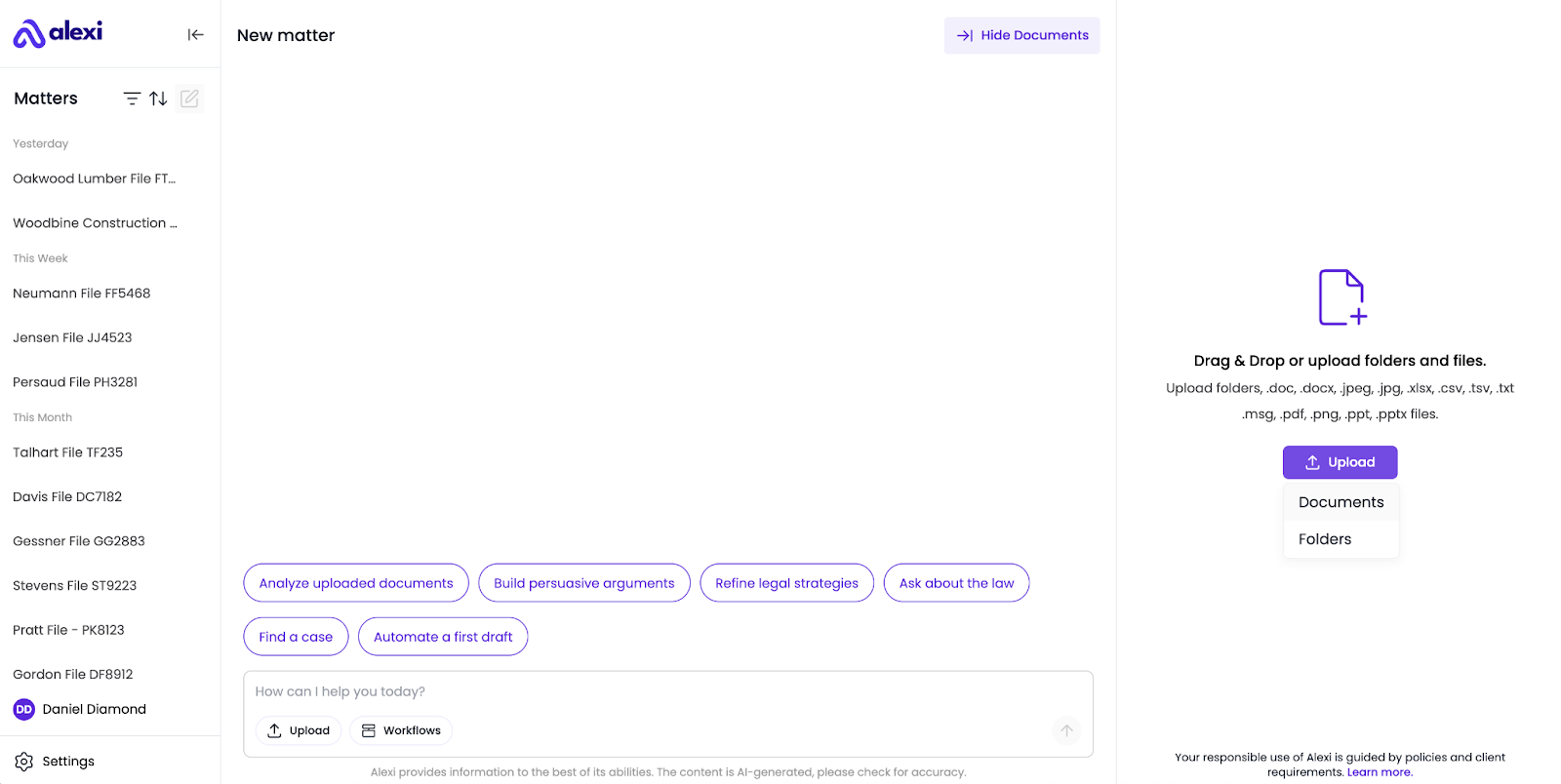
2. You’ll be given the choice between uploading Documents or entire Folders. Make your selection.
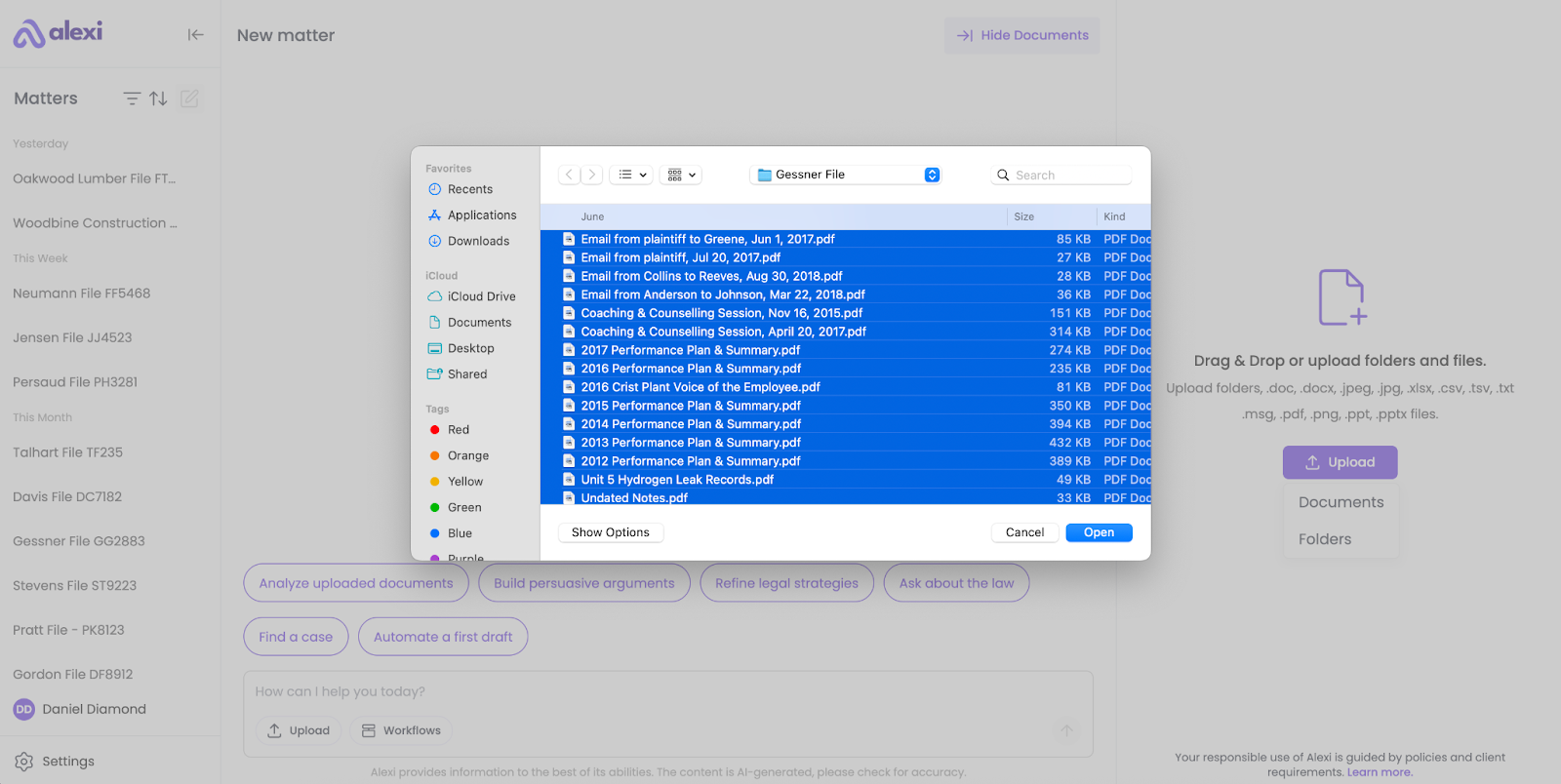
3. Select your files or folders from your computer.
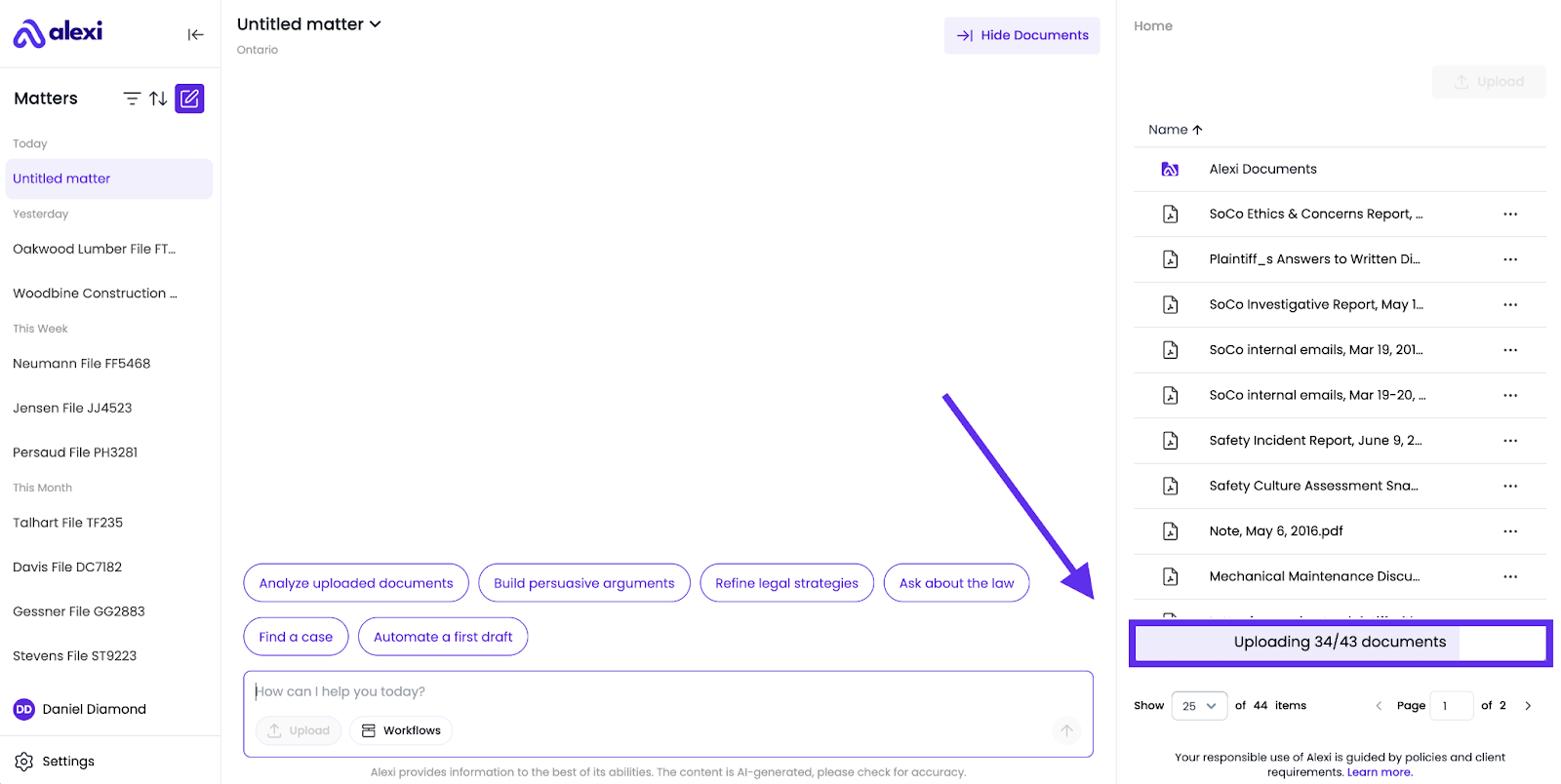
4. Ensure that you wait until your documents finish uploading before asking Alexi a question about them. You can view the progress of your upload in the progress bar at the bottom right.